
ARM Cortex-M (102)
Round Robin Scheduler Design.
A rigorous course on mastering the ARM Cortex-M CPU’s programmer’s model by implementing a Round Robin scheduler written in pure assembly language.
Learn the assembly programming for ARM Cortex-M CPUs by writing a scheduler from scratch, without using any IDE, SDK or boiler plate code.
Bestseller
Beginner
Intermediate
Advance
Last Updated: 8 Mar 2026|
English|
365 day Access.
Includes
~7 hours 30 mins of recorded lectures.
24 Lessons.
Emulator based experiments.
Hardware based experiments.
1 downloadable resource.
Notes/Cheat-sheet.
Case studies based on open-source code.
Exercises and Coding Challenges.
1 Project implementation.
Certificate on completion.
What you will learn
Understand ARM Cortex-M CPU Architecture.
Mental Model of CPU and Systems.
Programmer’s Model and NVIC.
Privilege Levels and Operating Modes.
CPU Boot-Up Process.
Exception Handling.
Writing Assembly Code.
Startup Assembly Program.
Instruction Sets and Encoding.
Anatomy of Assembly Files.
Stack Manipulation.
Scheduler Theory.
Task Anatomy.
Context Switching and Scheduling.
Exception Entry/Exit and SysTick Timer.
Hands-On Scheduler Implementation.
Programming the SysTick timer and verifying exception handling.
Saving and restoring CPU context during task switches.
Setting up tasks and their stacks for round-robin scheduling.
Achieving round-robin scheduling to switch between processes.
Running Multiple Processes.
Key Considerations for Scheduling.
Comparison with FreeRTOS.
Debugging using GDB.
Hey there!
Details of Content
Environment Setup
The courses uses the QEMU emulator for a real hardware board (the experiments should also run on real hardware). To ensure that everyone has the same setup and doesn't get tangled in the setup issues - we use the GitHub Codespaces instance running a virtual machine configuration we defined. This section guides through the steps of accessing it.
End Goal
Environment Setup
How the ARM M Class CPUs Work
This section provides a comprehensive introduction to the core concepts of ARM Cortex-M CPUs, laying the foundation for understanding their architecture and operation. Explore the mental model of the CPU, systems, and the Cortex-M controller, gaining insight into how these components interact.
Mental Model of the CPU, Systems and the Cortex M Controller
From bit to the Programmers model and NVIC
Various ARM Architecture and CPUs - M0, M3, M23 etc.
Programmers model for the M Class CPUs
Privilege and Modes of operation
Boot up process
Exception Handling and Register Save/Restore
Assembly Programs
Introduces the essentials of assembly programming for ARM Cortex-M CPUs, focusing on practical implementation. Start by exploring the processor boot-up process and writing their first assembly program, gaining hands-on experience with the Cortex-M environment. The section delves into the structure of instructions, their encoding, and how to analyze binary dumps to understand the low-level representation of code. Examine the anatomy of an assembly file, learning its components and organization. Master stack manipulation instructions, understanding their critical role in managing data and CPU context.
Booting the Processor and First Assembly Program
Instructions, Encoding and binary dump
Anatomy of assembly file
Cortex m3 instructions and experiments
Stack manipulation instructions
Implementing the Scheduler - Theory
Covers the theoretical foundations of implementing a scheduler on ARM Cortex-M CPUs, enabling multitasking on a single processor. Explore how a single CPU can run multiple processes, uncovering the principles behind concurrent task execution. Covers the anatomy of a task, detailing its structure and role within a scheduler. Discover the critical techniques for context switching and scheduling, including the `trick` that facilitates seamless task transitions.
How can Single CPU run multiple processes?
Anatomy of a Task
Trick to Context Switching and Scheduling
Exception Entry, Exit and SysTick timer
Implementing the Scheduler - Hands On
Practical implementation of a scheduler. Program the SysTick timer and verify its associated exception handling to ensure accurate timing for task scheduling. Covers techniques for saving and restoring CPU context, a critical step for seamless task switching. Set up tasks and their respective stacks, configuring the system to enable round-robin scheduling. Through hands-on exercises, implement round-robin scheduling and achieve process switching.
Programming SysTick and confirming the exception
saving and restoring CPU context
Setting up the tasks and the stack and trying to round robin
Round robin and switching between processes
Conclusion
Final thoughts and next steps.
Things to be mindful of
FreeRTOS - the struggle to get to context switching
What sets this apart?
Hardware-First Logic: Move beyond APIs to master the actual Cortex-M silicon architecture.
The ‘Black Box’ Unlocked: Understand the NVIC and Register Save/Restore mechanics firsthand.
Assembly Mastery: Write your own boot process and stack manipulation in raw Assembly.
Zero Magic: No libraries. You build the Context Switcher from the ground up.
The ‘Aha!’ Moment: Master the ’trick’ of hijacking exceptions to run multiple tasks.
Kernel Foundations: Implement a Round-Robin scheduler rather than just calling FreeRTOS functions.
Sample Certificate
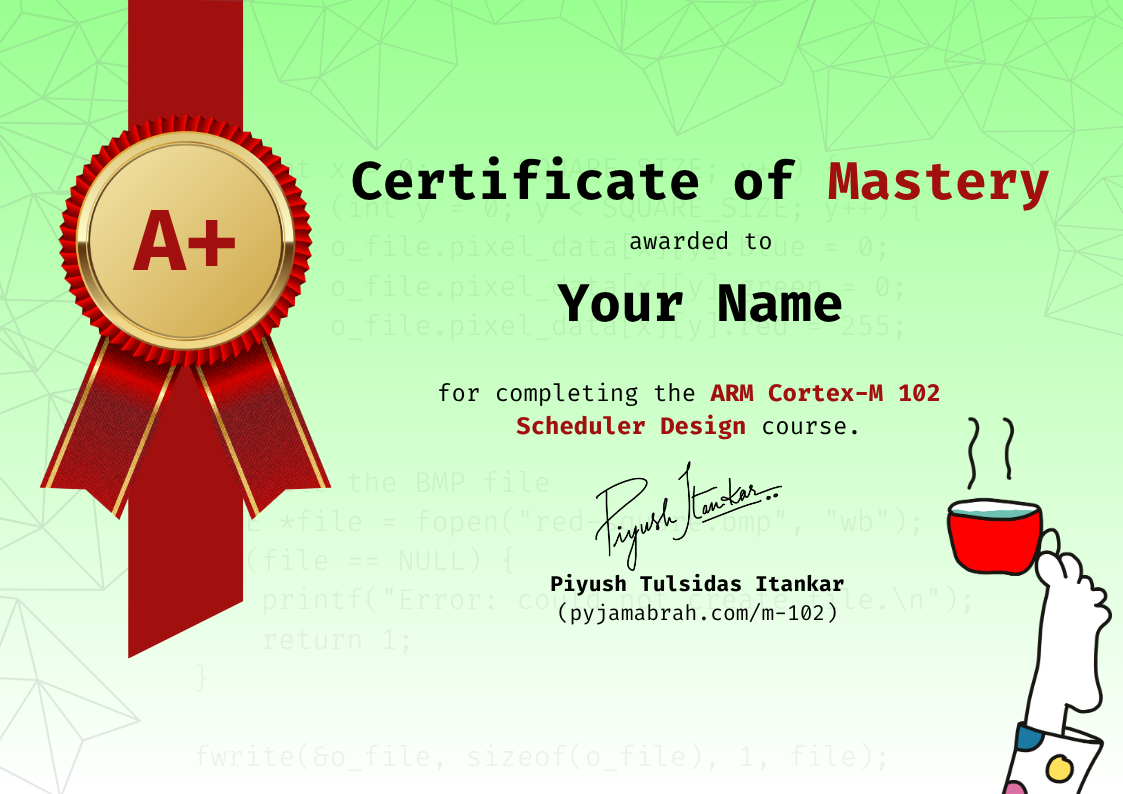
Earn a certificate for every technical track by completing 95% of the course work.
Instructors

Electrical Engineer holding a Master’s degree in Embedded Systems, with a proven track record at industry giants. At Intel, contributed expertise to Navigation Firmware, Bluetooth Driver development, and RF validation software.
Currently thriving as an Embedded Software Engineer at Google, drove innovation in Firmware development for the Power Management Sub-system on Tensor SoCs (Pixel Phones) and presently advancing system software for the Pixel Watch.
Audience
Students with interest in learning lower level programming.
Firmware and System Software Engineers looking to understand the lower level programming details of the aarch64 architeture.
Electrical/Electronics Engineers working on hardware programming.
Those curious to understand the boot sequence of an Application grade CPU and attempt booting it from scratch.
Requirements
GitHub account to be able to access the Codespaces.
FAQs
What is the difference between these courses (paid) and the content on YouTube?
Some lectures from different courses have been put on YouTube as Preview. The are not structured and jump to a topic. The Courses in the Subscription are well structured and focused on developing a skill.
Is this recommended for beginners?
Yes! The courses are taught as if the learner has no idea about the subject. Each course starts of by ensuring that the basics needed to understand the followup lectures is understood.
Why a subscription model?
We are billed for the hosting and bandwidth by the platform provider. While we would very much like to offer lifetime validity, given the recurring bills, we have to ensure we continue to earn enough to be able to fund the effort and bring more value to our learners. The Monthly plan is for those who cannot afford the yearly subscription but can benefit from burst learning. To get the most out of our content, we recommend subscribing to the yearly plan.
Do I need a special machine configuration to take this course?
No! All you will need is an internet connection and the Chrome browser. The hands-on examples and lab work is based on GitHub codespaces platform. We use GitHub Codespace to ensure that you don’t struggle with the setup and focus on the learnings. You are always free to setup the environment locally. Although, we won’t support that, but you are free to do so. The courses, as much possible use a Emulator target of a real board, so if you wanted to run the code on real board. You can do so.
Why is a GitHub account needed?
The Experiments and Labs are based on the GitHub provided Codespaces virtual machine. Codespaces will enable a common work environment for all the learners and avoid the hassle of special setup.
Can I change my email-id post purchase?
As much as we’d like to support that, your account will be linked to your email-id post purchase.
What name will be printed on the Certificate?
The name you use on the platform will be printed as is on the Certificate when it is generated.
Can I follow the steps on my own PC?
Yes for the most part. Better yet would be if you have a linux machine.
I previously purchased a course from inpyjama/pyjamabrah, any discount for me?
Yes. We can offer a discount on the yearly subscription. Please reach us at support@pyjamacafe.com and be sure to include the details of your past investment. We will work on a custom discount for you.
Bestseller
Beginner
Intermediate
Advance