
Linux Command-line & Tools
An introductory course on the Linux command line and shell scripting.
An introductory course on Linux command-line and shell scripting. This is intended for total beginners and is meant to make you comfortable working with the shell/terminal.
Beginner
Last Updated: 5 September 2026|
English|
365 days Access.
Includes
3 hr 47 mins of recorded lectures.
14 Lessons.
Certificate on completion.
Shell essentials for total beginners
Practical shell scripting examples
What you will learn
Get comfortable working with the Linux/Unix shell and terminal.
Essential commands: navigation, files, searching, editors and compression.
Use the VI editor for basic editing.
Write shell scripts with variables, conditionals, loops and functions.
Use regular expressions and get an LLM to write scripts for you.
What to expect?
Details of Content
Introduction and Setup
What to expect from the course and how to set up your environment, locally or in the cloud.
Introduction and Expectations
Environment Setup - Local and Cloud
Essential commands
The everyday Linux commands: navigating, files, searching, editors, compression and regular expressions.
Navigation and Directory command -- ls, pwd, mkdir, clear, cd
Dial-Up Access by Using the Michigan Terminal System
File manipulation - touch, nano, cat, echo, rm
More file commands -- mv, cp, tree, head, tail and redirection
Searching files and text -- find and grep
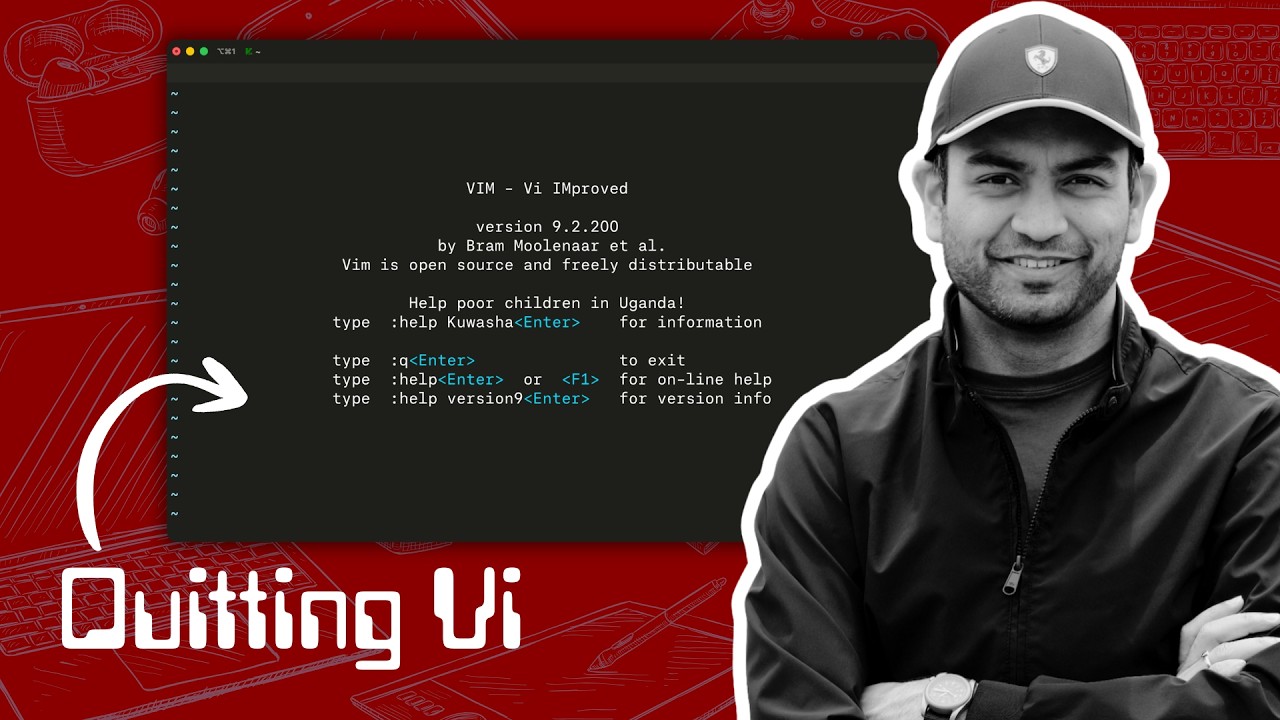
Basics of using VI
Compressing, Decompressing files -- gzip, tar, zip
Useful regular expression
Scripting
An introduction to shell scripting: variables, conditionals, loops, functions, and using an LLM to write scripts.
The idea of script and variables
Conditionals, Loops and functions
Exploring examples and getting LLM to write one
Conclusion
Final thoughts and where to go next.
Final thoughts
What sets this apart?
Built for total beginners.
Covers the command line end to end.
Practical, example-driven shell scripting.
Sample Certificate
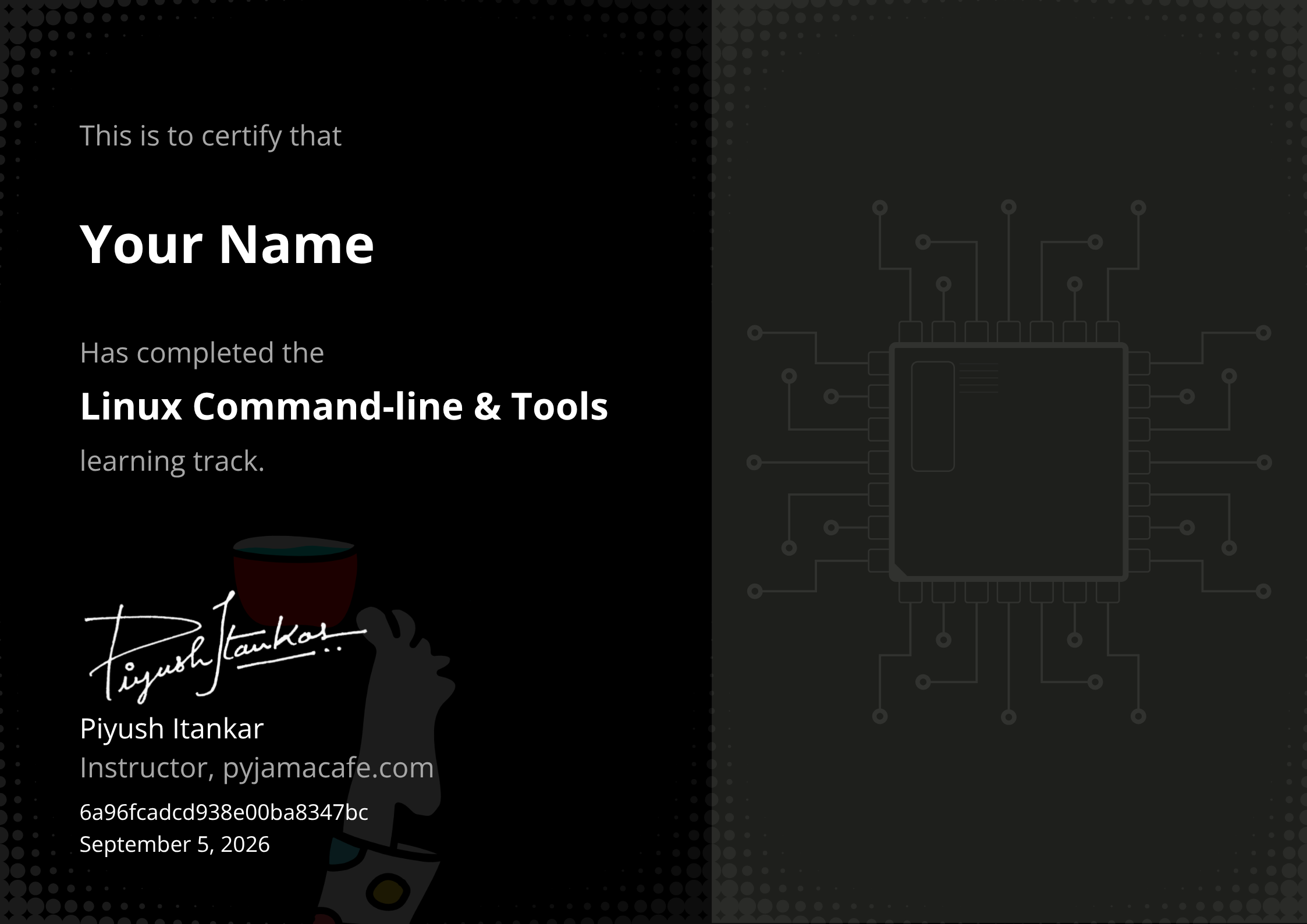
Earn a certificate for every technical track by completing 95% of the course work.
Instructors

Electrical Engineer holding a Master’s degree in Embedded Systems, with a proven track record at industry giants. At Intel, contributed expertise to Navigation Firmware, Bluetooth Driver development, and RF validation software.
Currently thriving as an Embedded Software Engineer at Google, drove innovation in Firmware development for the Power Management Sub-system on Tensor SoCs (Pixel Phones) and presently advancing system software for the Pixel Watch.
Audience
Total beginners to the Linux command line.
Students and freshers getting into embedded and systems work.
Requirements
A computer to follow along.
No prior command-line experience needed.
FAQs
What is the difference between these courses (paid) and the content on YouTube?
Some lectures from different courses have been put on YouTube as Preview. The are not structured and jump to a topic. The Courses in the Subscription are well structured and focused on developing a skill.
Is this recommended for beginners?
Yes! The courses are taught as if the learner has no idea about the subject. Each course starts of by ensuring that the basics needed to understand the followup lectures is understood.
Why a subscription model?
We are billed for the hosting and bandwidth by the platform provider. While we would very much like to offer lifetime validity, given the recurring bills, we have to ensure we continue to earn enough to be able to fund the effort and bring more value to our learners. The Monthly plan is for those who cannot afford the yearly subscription but can benefit from burst learning. To get the most out of our content, we recommend subscribing to the yearly plan.
Do I need a special machine configuration to take this course?
No! All you will need is an internet connection and the Chrome browser. The hands-on examples and lab work is based on GitHub codespaces platform. We use GitHub Codespace to ensure that you don’t struggle with the setup and focus on the learnings. You are always free to setup the environment locally. Although, we won’t support that, but you are free to do so. The courses, as much possible use a Emulator target of a real board, so if you wanted to run the code on real board. You can do so.
Why is a GitHub account needed?
The Experiments and Labs are based on the GitHub provided Codespaces virtual machine. Codespaces will enable a common work environment for all the learners and avoid the hassle of special setup.
Can I change my email-id post purchase?
As much as we’d like to support that, your account will be linked to your email-id post purchase.
What name will be printed on the Certificate?
The name you use on the platform will be printed as is on the Certificate when it is generated.
Can I follow the steps on my own PC?
Yes for the most part. Better yet would be if you have a linux machine.
I previously purchased a course from inpyjama/pyjamabrah, any discount for me?
Yes. We can offer a discount on the yearly subscription. Please reach us at support@pyjamacafe.com and be sure to include the details of your past investment. We will work on a custom discount for you.
Beginner