
What is Embedded Systems?
Electronics with a CPU in them. Almost everything around us!
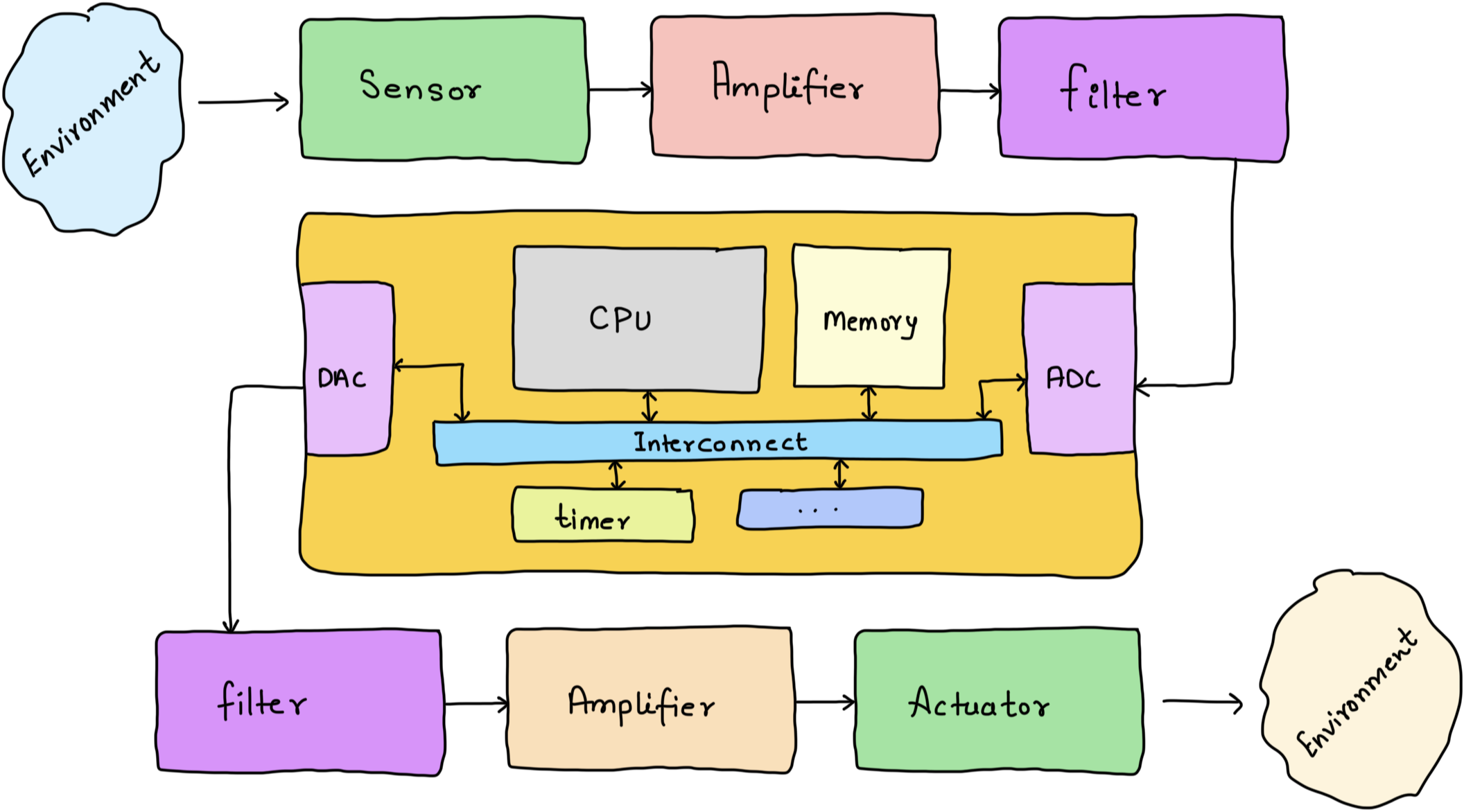
Embedded Systems refers to electronics which are driven by an onboard CPU. Embedded Systems at the heart of it sense, process and actuate.
- Sensors: Measure the environment.
- ADC: Convert analog signals to digital numbers.
- CPU: Processes the numbers and figures what needs to be done. The software it runs implements the algorithms.
- DAC: Converts processed number to a analog signal.
- Acturators: Convery electrical signals to physical phenomena.
Embedded Software is all about program the CPU, reading inputs and generating outputs.
In action …
emulator based example
This is the CPU (an internal view) reading the program, sensing the Switch state, processing the information and setting the output LED (actuating)
How to Embedded Systems?
master the CPU. learn how to command it.
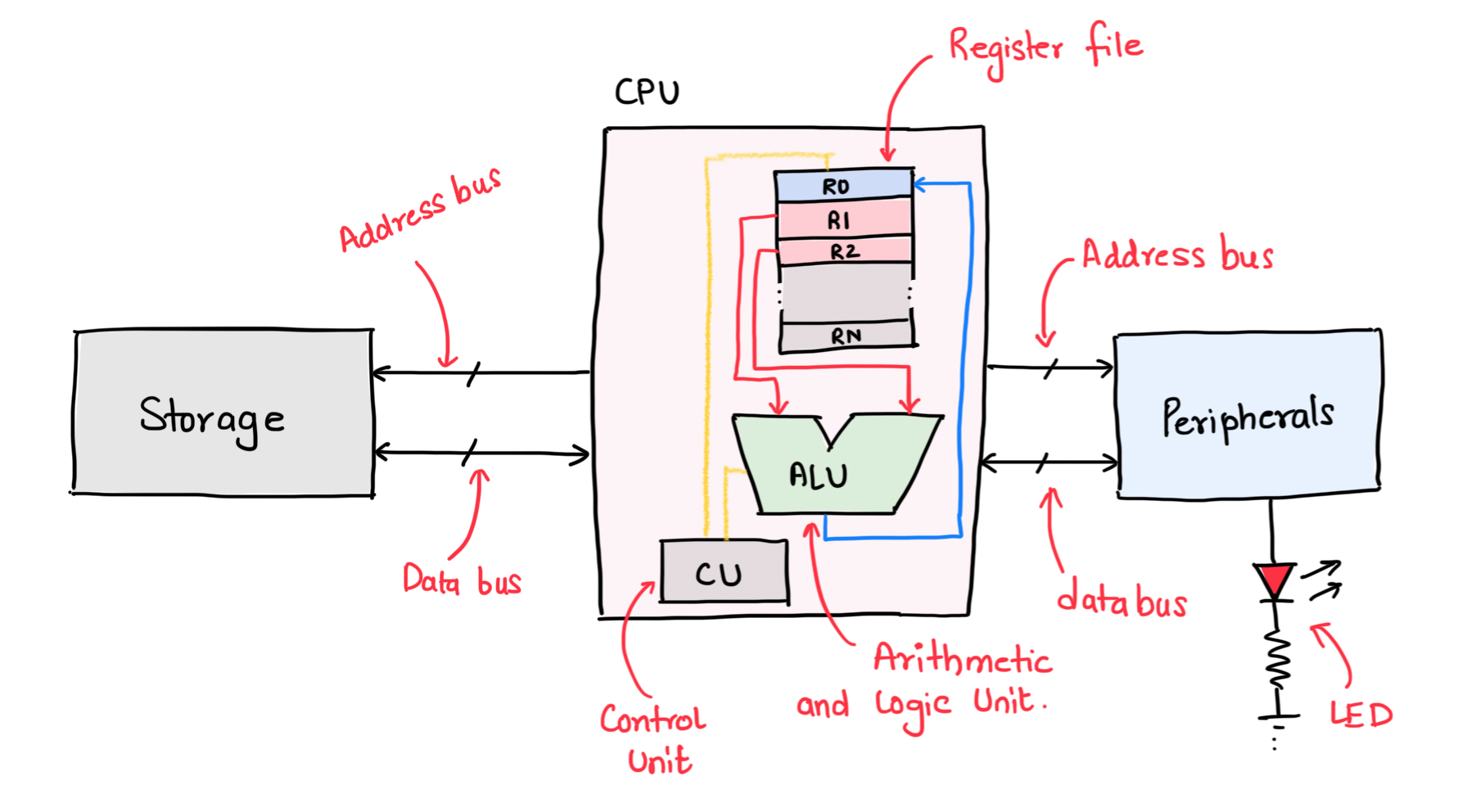
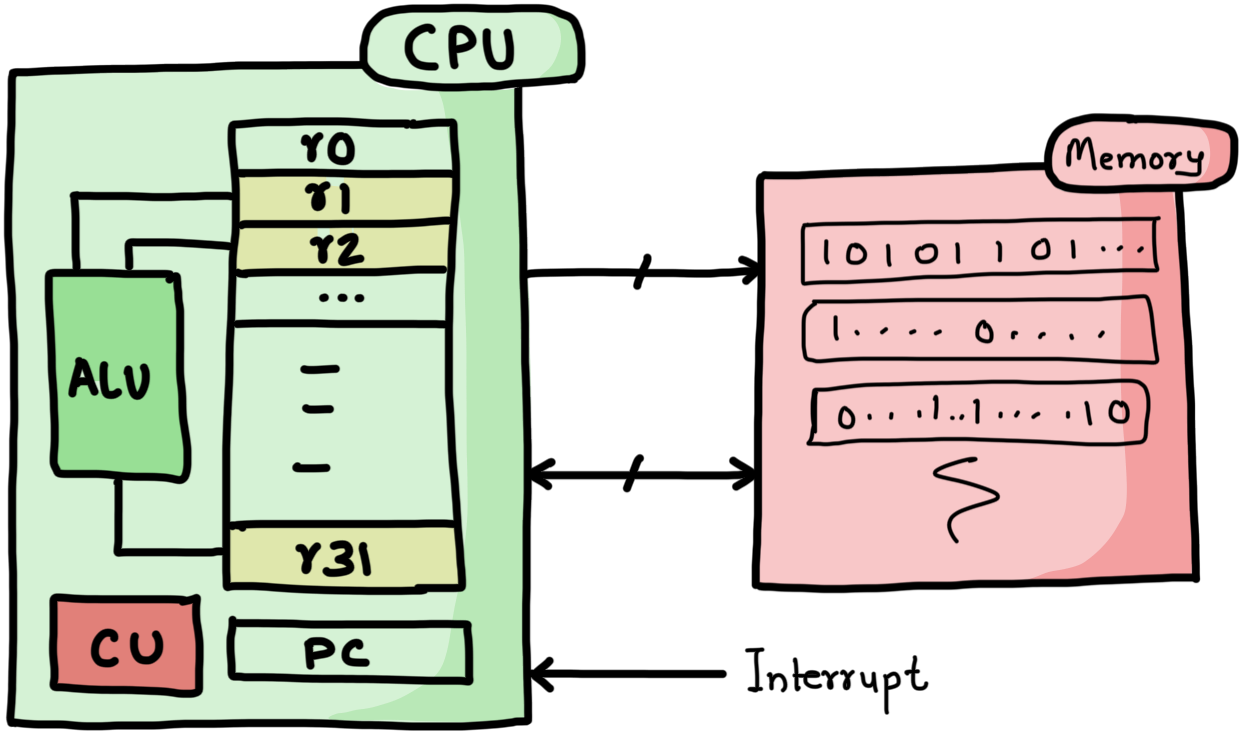
You only need to master the CPU. The mental model - often referred to as the
Programmer's model!Historically, it has been very difficult and time consuming to learn low level details of how Computers really work. We are on a mission
to lowering the barrier to learning Embedded systems Software and Hardware.We have organised the basics as organised learning tracks in the Embedded Systems Library.
Where and how to start?
there is a structured path to it…
Learning Embedded Systems is a circular process. Often times, you need to know a little bit of everything to make progress. Here is what we recommend -
- Pick a 32/64 Bit CPU of choice (ARM/RISC-V etc).
- Learn the basics of Assembly/C.
- Learn how to use build tools (gcc, as, ld) and utilities (make).
- Write baremetal bootcode and boot the CPU from scratch.
- Implement a scheduler for the CPU and later replace it with an RTOS.
- Write state-machines and develop applications.
- Restart from #1.
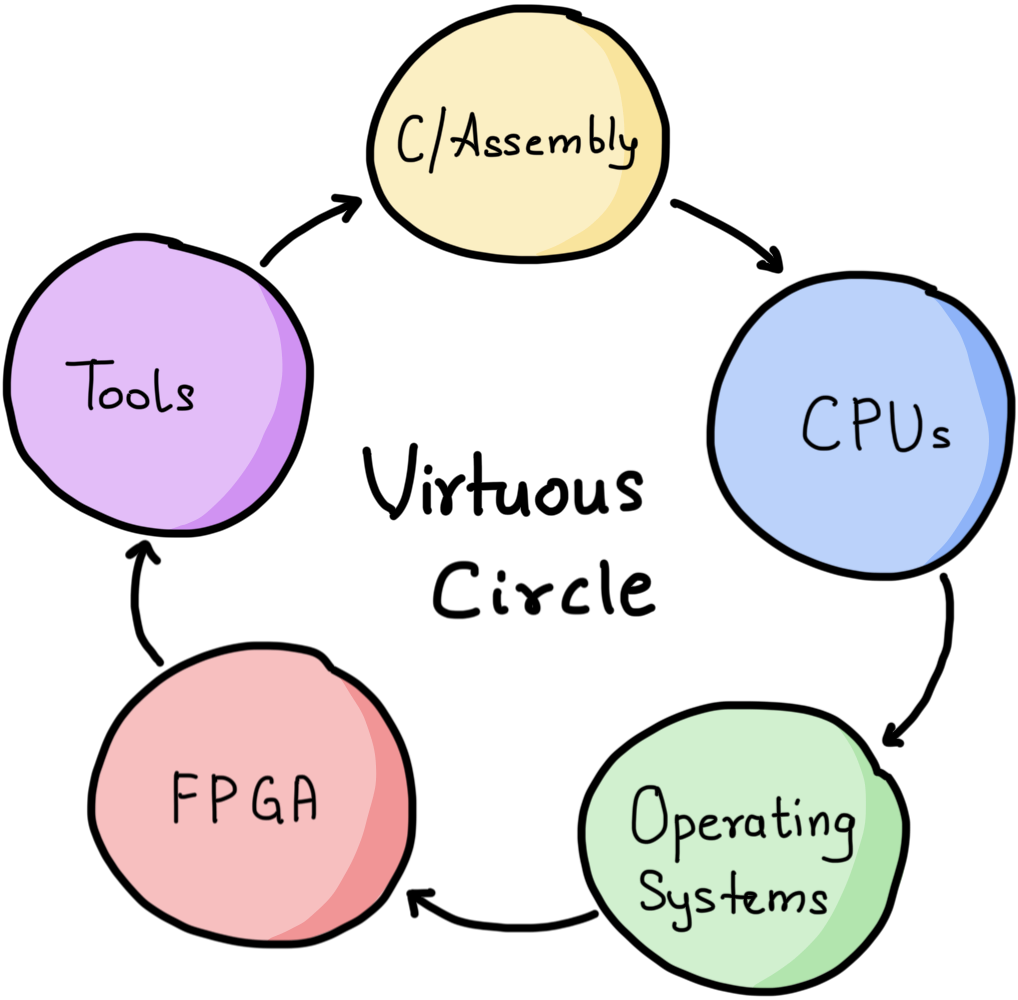
On each iteration, you will learn something new and more involved about the part.
Why the 5?
Every Embedded Systems solution will have 3 of the 5 components.
The CPU
The one that drives the System…
Digital systems have a CPU (ARM/RISC-V etc) that drives the system states. The most popular CPUs for Embedded systems on the planet at the moment are - ARM-M, RISC-V and ARM-A.
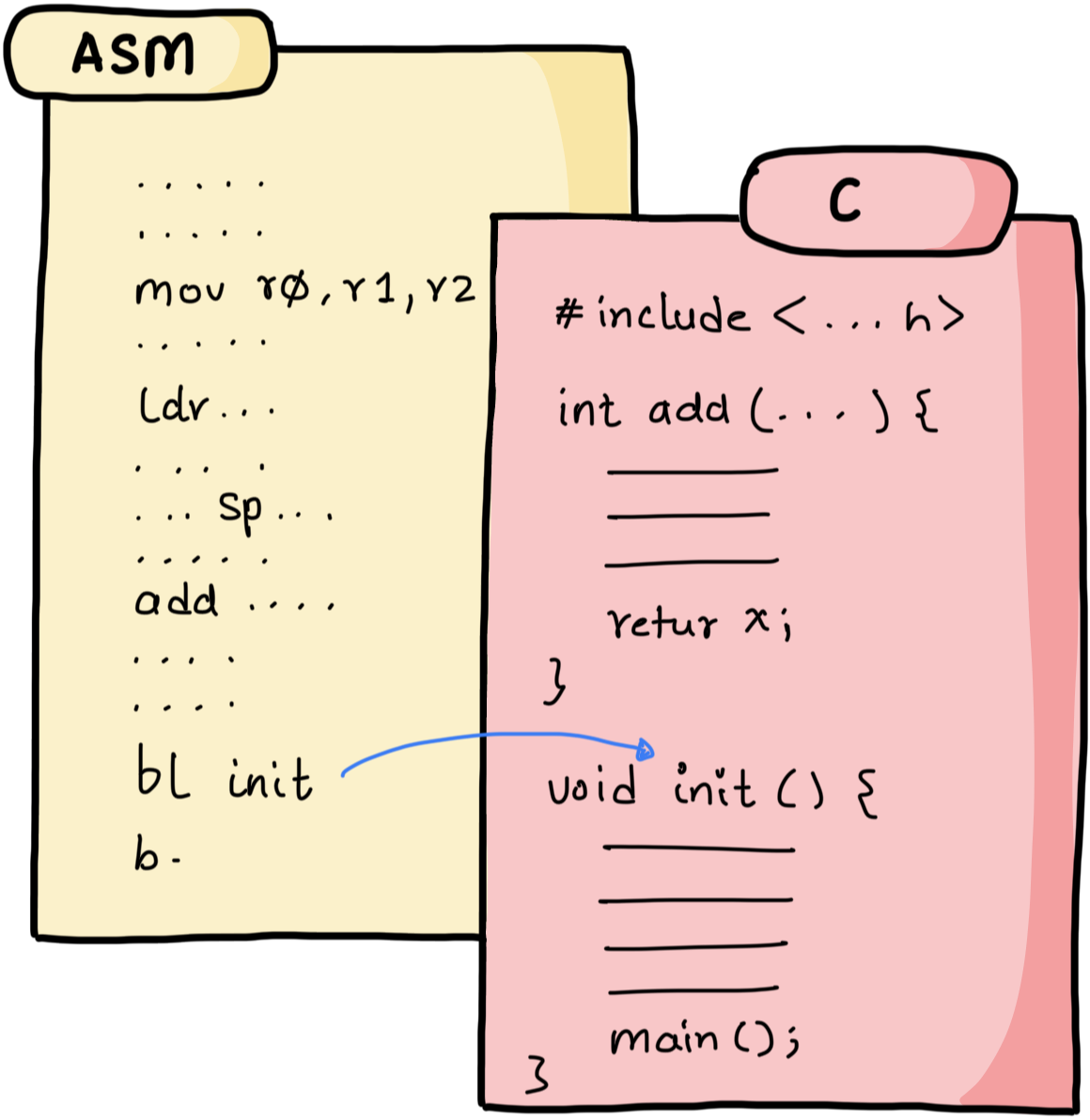
C and Assembly
Got to program the CPU somehow…
Majority of Firmware/Systems software solutions are still authored in C with a little bit of Assembly.
The Tools
Binary, debugging and automation
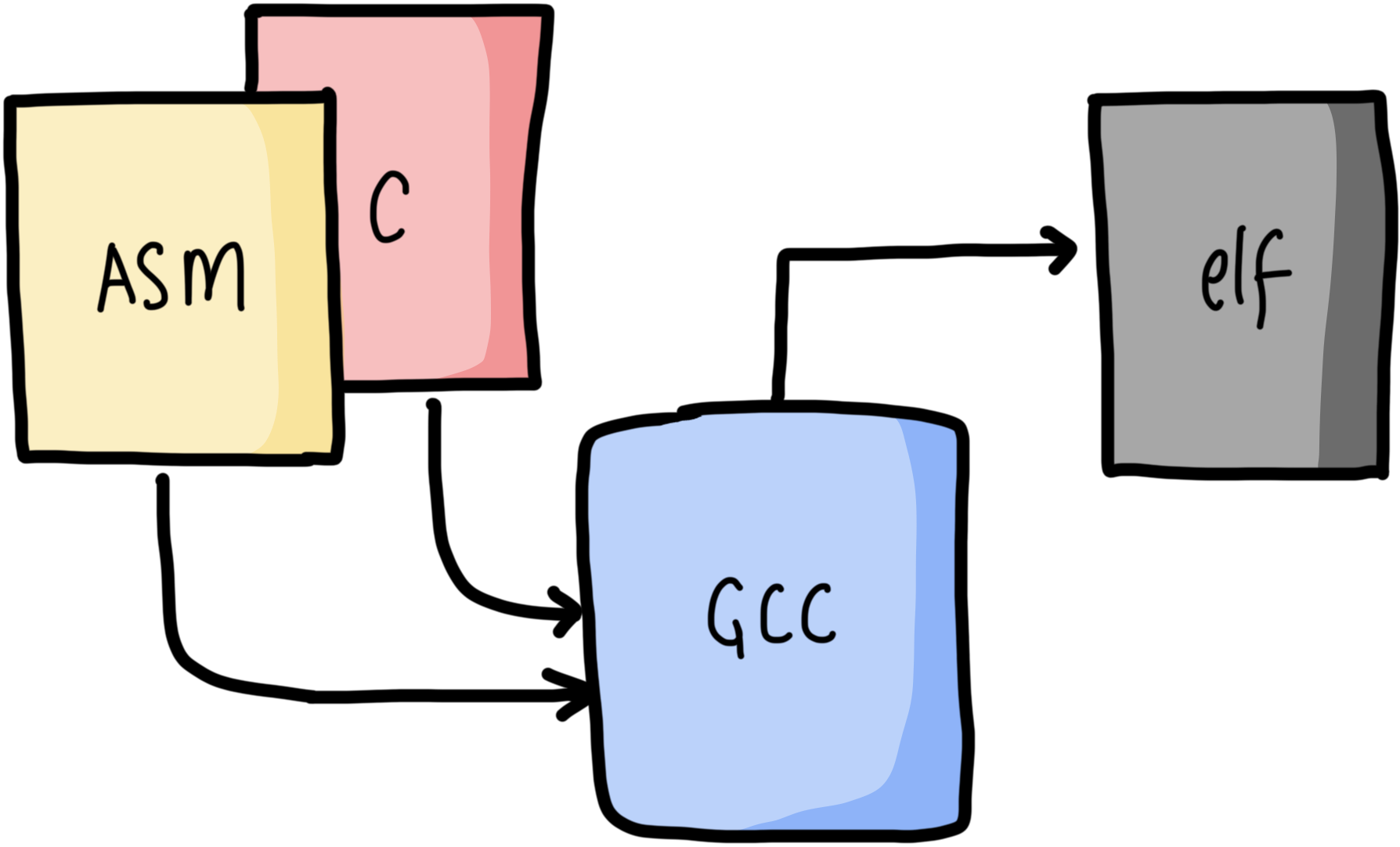
CPUs don’t understand Assembly or C, they only understand 0s and 1s in the memory interpreted as an instruction. There are tools compiler, debuggers and others that help go from text to binary, debug the system and automate a lot of flows.
The Operating System
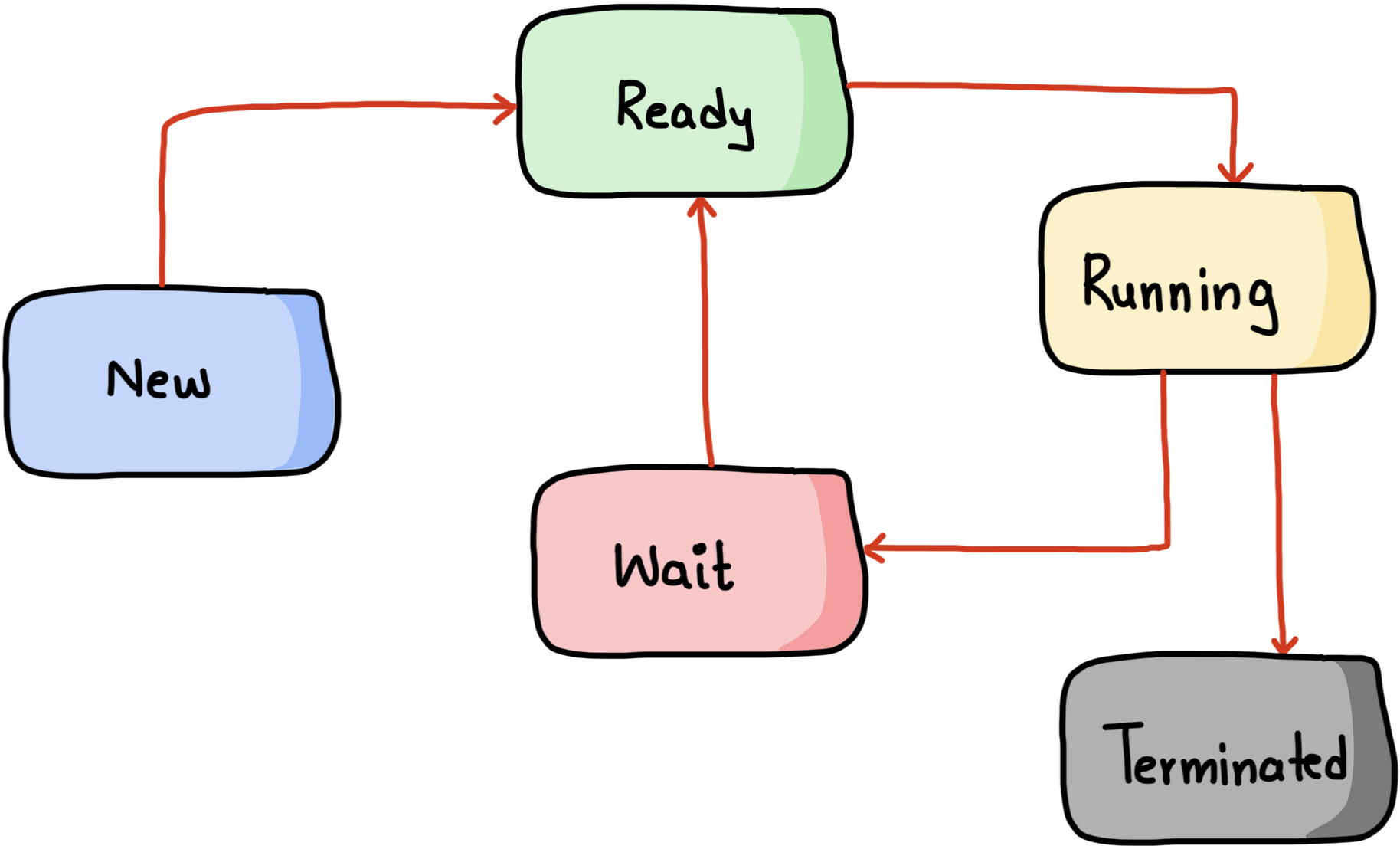
Managing state-machines and resources…
When you have too many state-machines to be managed an Operating System helps. Majority of embedded system solutions use an RTOS.
Digital Hardware Design
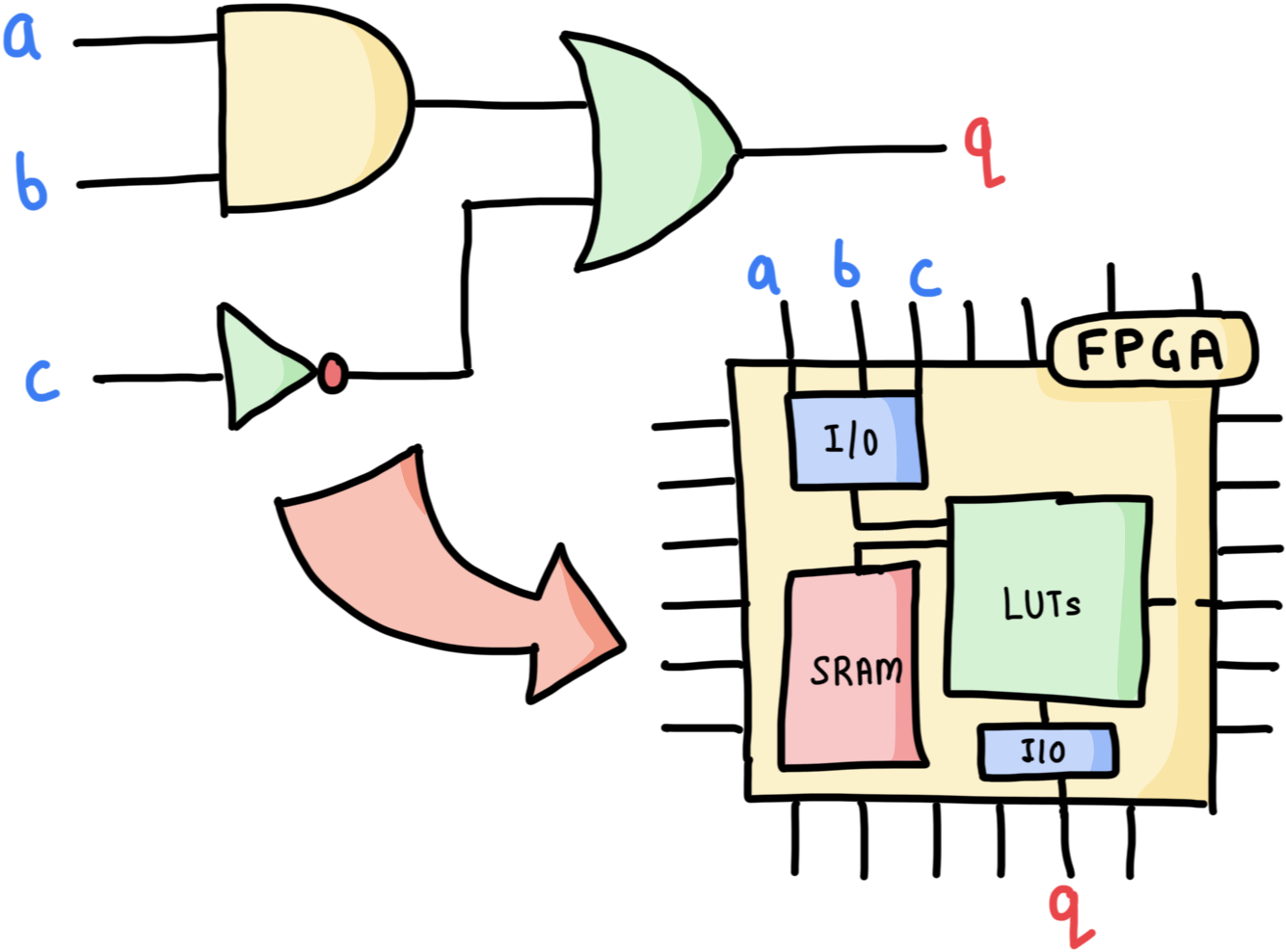
Understanding how machines are designed
Knowing how to implement simple digital machines and deploying them on FPGA will give you deep insights on how the CPUs and other digital circuits work.
The Library Access
a collection of structured learning tracks with focus on delivering insights with hands on experiments.
 beginner
C Language
Learning to write code by investigating the RISC-V assembly instructions.

C Pointer
Learn to visualise, reason about and use pointers like a Ninja!
Data Structures (using C)
Learn how to orgranise and manipulate data using the C Language.
Bit Manipulation (using C)
Master the art of manipulating bits with surgical precsion.
GDB (GNU Debugger)
Learn the basics of debugging firmware code using GDB.
ARM Cortex-M 101
Get an idea of how the Cortex-M (32 Bit) CPU can be studied and programmed.

ARM Cortex-M 102 (Scheduler)
Program the M Class CPU from scratch in Assembly and implement a Scheduler.
GNU make (Automation)
Learn how the make utility is used to automate build processes.
GNU Linker Script
Master the wizardry of controling the placement of code and data in memory.
FreeRTOS (teardown/port)
Learn the rare skill of porting FreeRTOS kernel on a new target.
Zephyr RTOS (101)
Explore the source code of Zephyr and boot it on a new target.
Git and Gerrit
Learn how to use GIT and Gerrit to effectively collaborate on a project.

Technical Discussions
An overview of the vocabulary you'll need to talk to more experienced engineers.
Aarch64: ARM-A 101
An introduction to the aarch64 (64 bit ARM A) architecture.
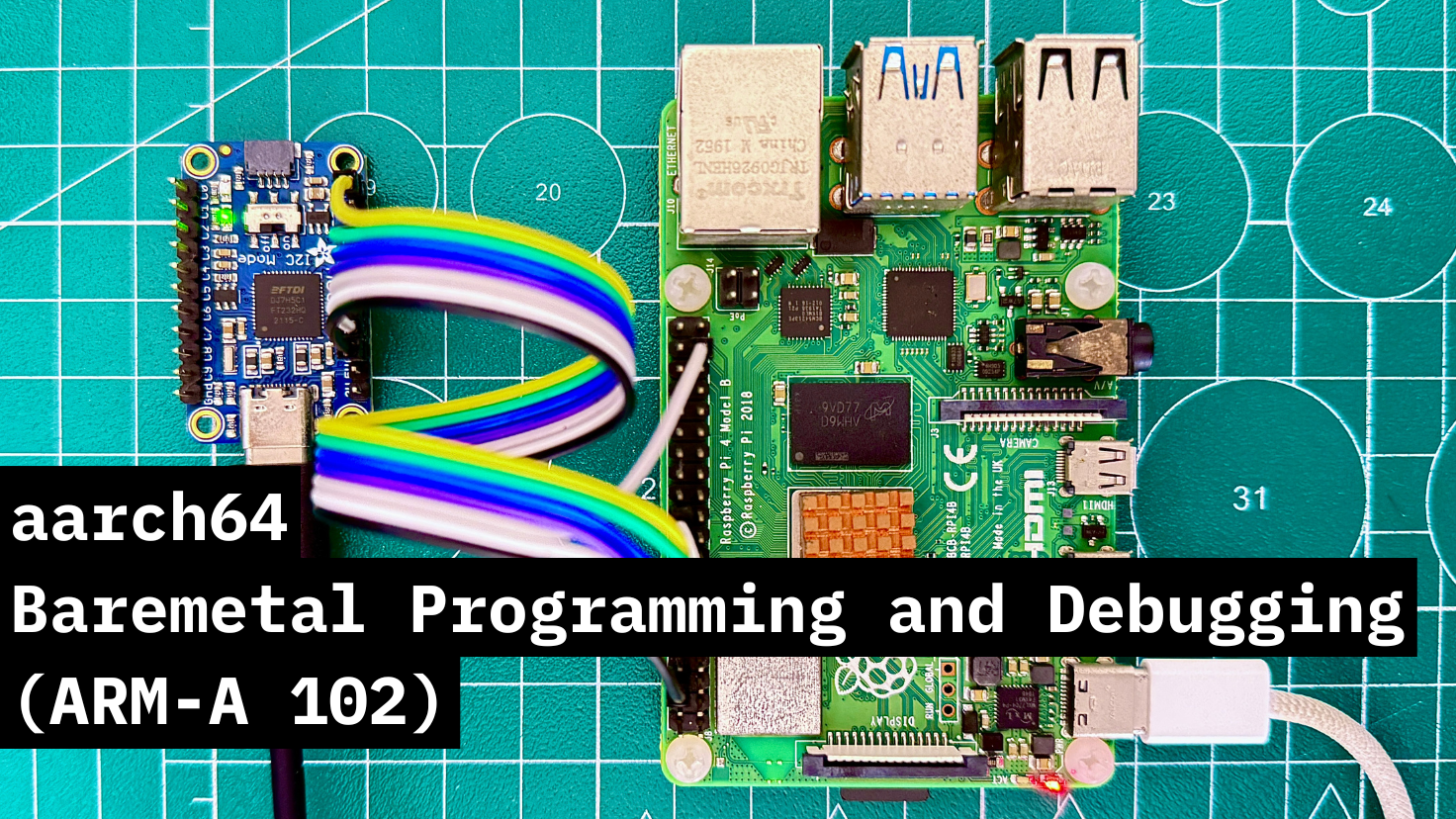
ARM-A: Baremetal Programming
Explore how the 64 Bit CPU boots with hands on experiments.
System Components (MMU/SMMU)
Dive into the concepts of Virtual memory and the hardware that enables it.
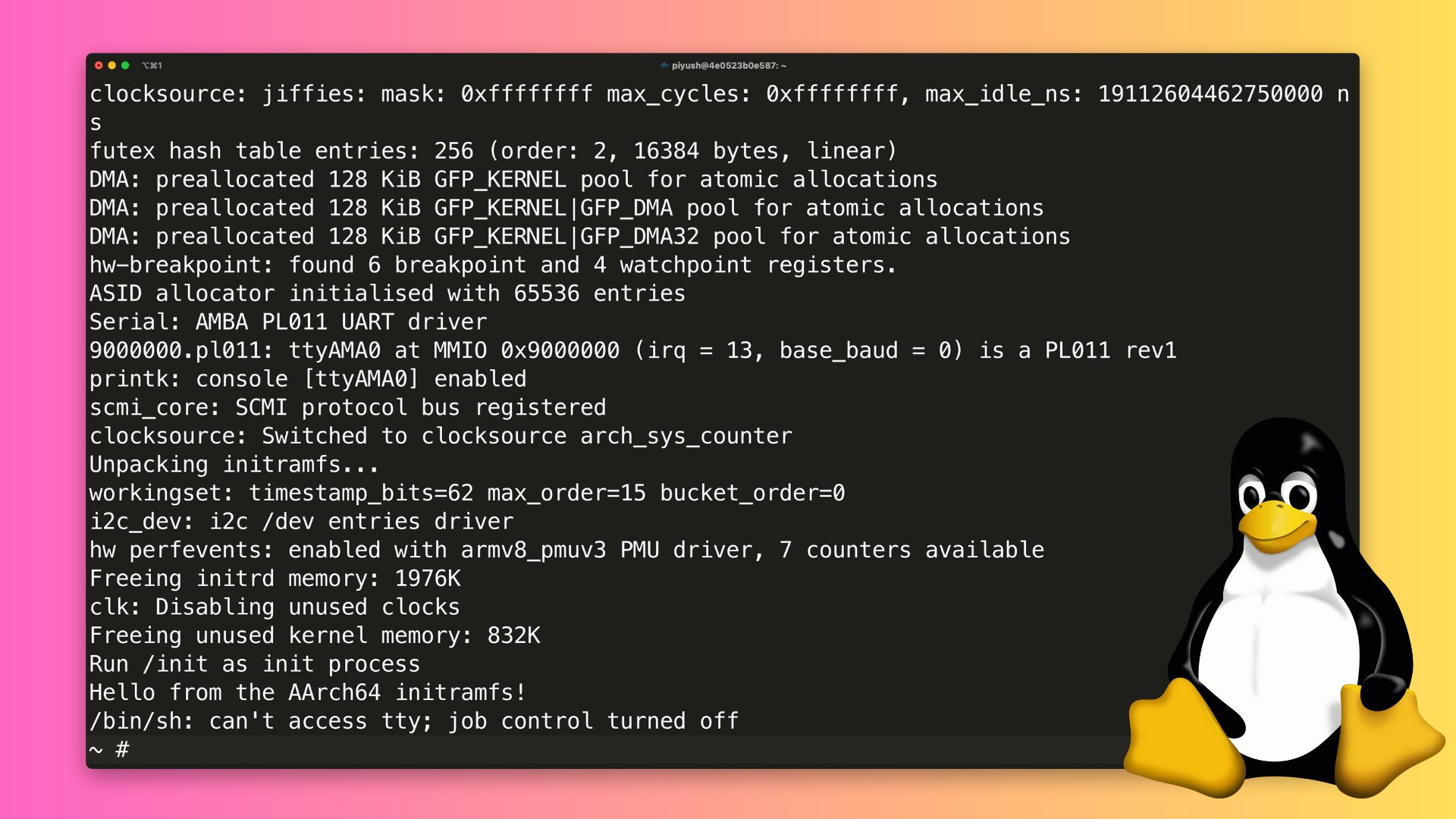
Linux Kernel (build/run)
Build and Run the Linux kernel from scratch by downloading the source code.
Linux Device Driver 101
Get a hands on introduction by writing your own character device driver.
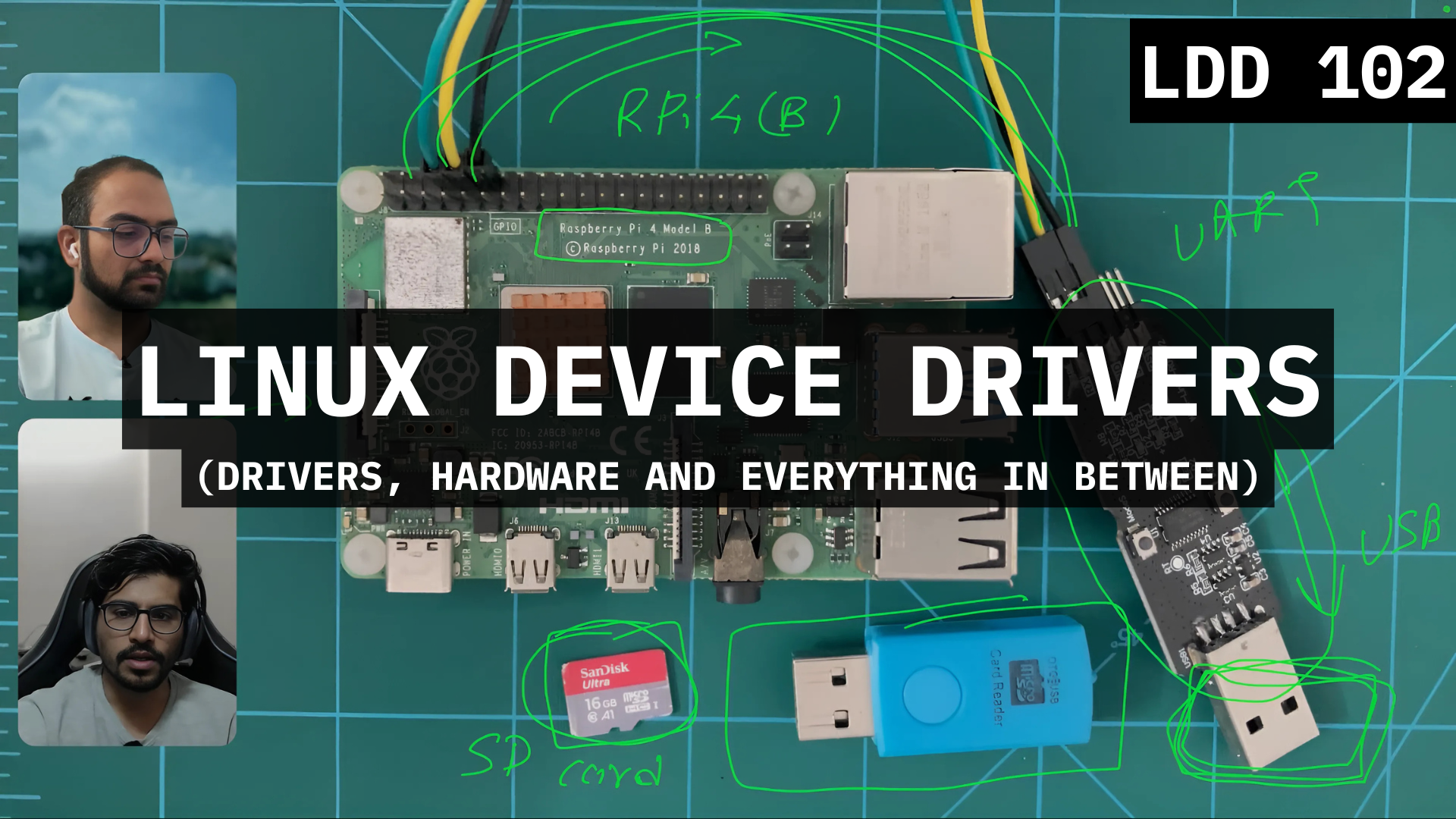
Controlling Hardware
Extend your skills and write a driver to control a hardware peripheral.
Kernel Facilities/Functions
Sharper the driver authoring skills by exploring kernel libraries.
Digital Design 101
Peel the abstraction layer, learn to design basic cuits and deploying on FPGA.
How to Embedded Systems
A short presentation on what is Embedded Systems and how to get started.
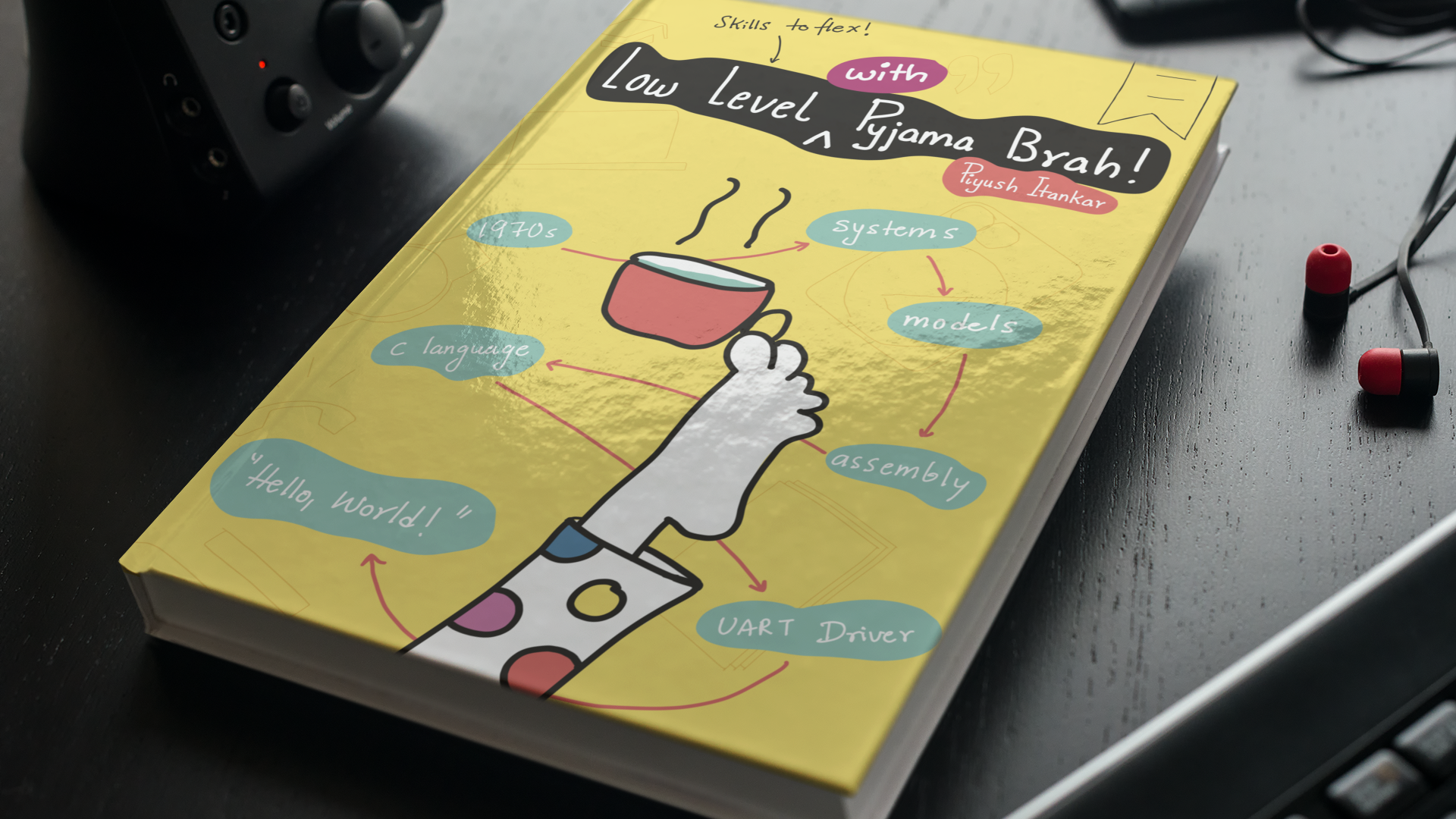
Low Level @ Pyjama Cafe
Read the draft of our book focused on learning C Language.
Python 101
Learn Python and the use in Embedded System.
Walkthroughs
Learn how to navigate and deal with new source codes.
Tech-Syncs
Collection of talks by industry experts on ad-hoc topics.

Podcasts
Collection of casual discussions with industry experts.
Again, the library is a growing repository of resources dedicated to learning Embedded systems from scratch.
Yes. There is everything on the internet. We just organised it one place.
Emulator first
you can learn without hardware
here is a clip from lecture on implementing a scheduler on ARM Cortex-M CPU
What about hardware?
learn on emulator, deploy on hardware (whenever)
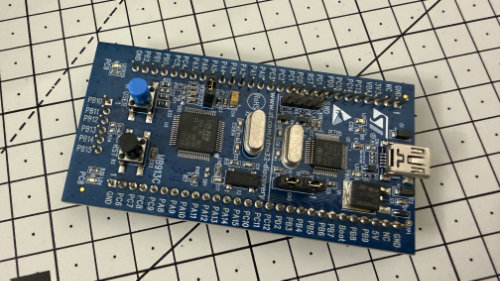
STM32 (VLDISCOVERY)
This is cheap board based on the ARM-M3 controller. This also has a Qemu target.
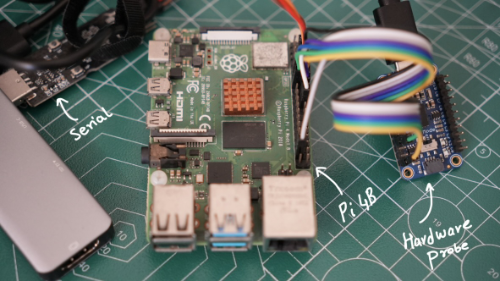
Raspberry-Pi (4B)
Raspberry-Pi 4B is a perfect target for learning ARM-A 64Bit (aarch64) CPUs
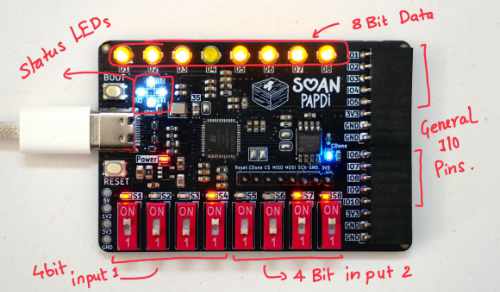
Soan Papdi (FPGA)
We designed our own low-cost high density FPGA to enable learning digital hardware design.
While the course uses a mix of emulator and actual hardware.
We recommend you start with the emulators and later get the hardware when you feel confident
Earn the badge
get a certificate for each technical track
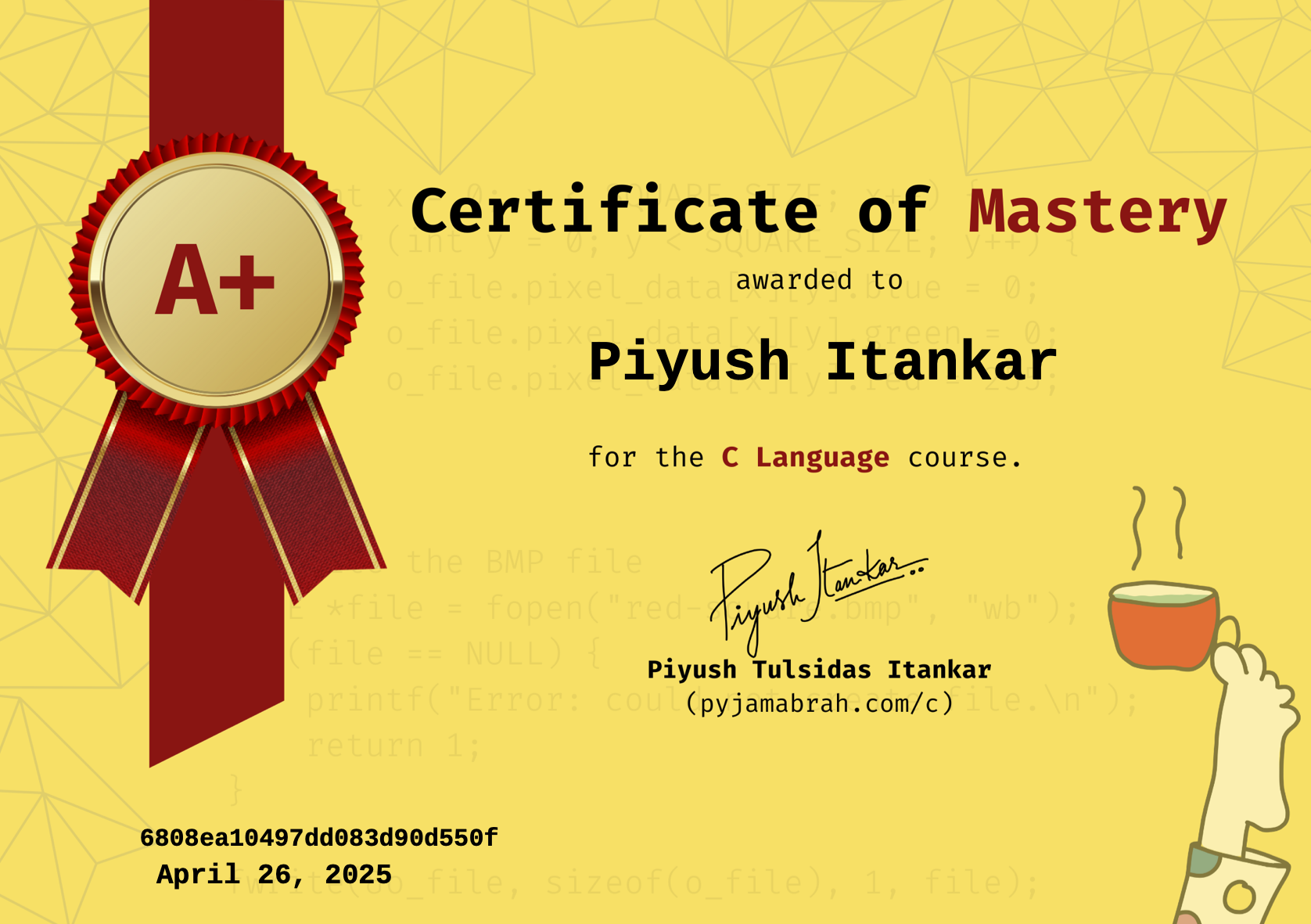
Certificates are available for the technical courses. The color and design may vary.
At the End of it all
at the end of it all, you will…
- Feel confident about all things Embedded Software.
- Have a strong grasp of the C and Assembly Language.
- Be able to program ARM-A (aarch64), ARM-M and RISC-V CPUs from scratch.
- Understand and use RTOS/Operating Systems confidently.
- Write and Debug software state-machines using tools and utilities.
- Be able to design and control a build system.
- And more…
The baristas

Electrical Engineer holding a Master’s degree in Embedded Systems, with a proven track record at industry giants. At Intel, contributed expertise to Navigation Firmware, Bluetooth Driver development, and RF validation software.
Currently thriving as an Embedded Software Engineer at Google, drove innovation in Firmware development for the Power Management Sub-system on Tensor SoCs (Pixel Phones) and presently advancing system software for the Pixel Watch.

Computer Engineer holding a Master’s degree in Embedded Systems. Worked on improving the debug architecture of the Bluetooth Firmware at Intel.
Worked on ARM64 architecture, programming and exercising latest ARMv8/v9 extensions - programming in low-level FWs (ARM TF-A, trusty) and kernels (LK and Linux) at Google. Currently exploring the Pixel Watch Kernel and BSP (boot-loaders, Linux Kernel, Android HALs and frameworks).